Introduction to MySQL
MySQL is an open-source relational database management system (RDBMS) that uses Structured Query Language (SQL) for accessing and managing data. It is widely used in various applications ranging from small blogs to large-scale enterprise systems. The primary reason for its popularity stems from its ability to efficiently collect, store, modify, and search data in multiple user environments.
Table of Contents
The flexibility of MySQL allows applications to scale from simple small-scale setups to complex enterprise environments. It supports various operating systems and is often bundled with PHP to build dynamic web applications. As a beginner, understanding the fundamentals of MySQL is crucial for developing data-driven applications.
Some of the notable features of MySQL include its support for transactions, data integrity, and access control. Developers can utilize it effectively to perform operations on structured collections of data that easily can be related to each other, making it an excellent choice for a wide range of applications.
History of MySQL
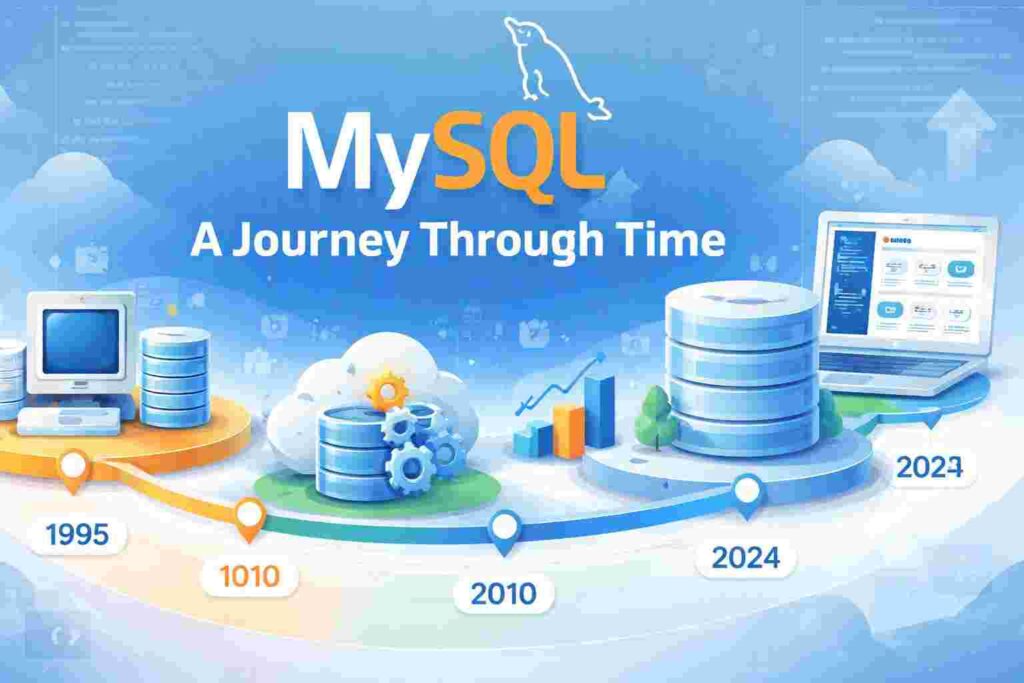
MySQL was created in 1995 by a Swedish company called MySQL AB. It was initially designed to be a reliable database system for small and medium-sized applications. Over the years, it underwent several updates and features enhancements, which broadened its application and user base significantly.
In 2008, MySQL was acquired by Sun Microsystems, which was further acquired by Oracle Corporation in 2010. Despite ownership changes, MySQL has remained an open-source product, making it accessible for developers worldwide. It has continued to evolve, integrating various powerful capabilities such as performance improvements and scalable architectures.
Today, MySQL is the default database choice for many high-profile websites and web applications, including WordPress, Facebook, and Twitter, emphasizing its reliability and performance in real-world applications.
How MySQL Works
MySQL operates on a client-server model, where the database server provides database services to multiple clients. Clients can connect to the server using SQL commands to perform various operations such as data retrieval, updating data, or managing the database system.
Data in MySQL is organized into tables, rows, and columns. Each table contains related records, and each record holds attributes that define the entity. For instance, a table for user information might include columns like user_id, username, and password. This structure allows efficient data manipulation and querying.
When a user executes a SQL query, MySQL processes the request, interacts with the disk, and fetches the relevant data. The ability to perform these operations swiftly is fundamental for applications requiring high performance and responsiveness.
MySQL Installation
Installing MySQL varies depending on the operating system you are using. On Windows, the installation typically involves downloading an installer, running it, and following the setup instructions. On macOS and Linux, you can use package management tools like Homebrew or apt to install MySQL easily.
Once installed, it is crucial to secure the MySQL installation to prevent unauthorized access. This involves setting a strong root password, removing anonymous users, and restricting remote root logins to the server. Doing so enhances the security of your database and protects sensitive information.
After installation, you can test your MySQL setup by connecting to it via the command line or graphical interfaces such as MySQL Workbench. This is where real interaction with your database begins!
Basic MySQL Commands
Understanding a few basic MySQL commands is essential for anyone working with databases. The following is a simple list of commonly used SQL statements:
- CREATE TABLE: This command is used to create a new table in the database.
- INSERT INTO: This command allows you to add new records to an existing table.
- SELECT: This command retrieves data from one or more tables.
- UPDATE: This modifies existing records in a table.
- DELETE: This deletes records from a table.
Here is a simple example of how to create a table and insert data into it:
CREATE TABLE users (
    id INT AUTO_INCREMENT PRIMARY KEY,
    username VARCHAR(50) NOT NULL,
    password VARCHAR(50) NOT NULL
);

INSERT INTO users (username, password) VALUES ('user1', 'pass123');
In the first command, a new table named ‘users’ is created with three fields: id, username, and password. The ‘id’ field auto-increments with each new record. In the second command, a new record is inserted into the ‘users’ table with the username ‘user1’ and the password ‘pass123’.
Performance Optimization in MySQL
Performance is critical when working with databases, and MySQL provides various tools and strategies to optimize performance. Indexes are one key feature that can significantly enhance read performance by allowing the database engine to locate records quickly.
A common mistake developers make is failing to use indexes effectively. While they can speed up read operations, adding too many indexes can negatively impact write performance. It is crucial to find a balance based on access patterns.
In addition to indexing, optimizing queries is another best practice. Writing efficient SQL queries—such as avoiding SELECT * and limiting data retrieved—can drastically improve performance, especially in larger databases.
MySQL vs Other Database Management Systems
When looking at database management systems, MySQL often faces comparisons with other RDBMSs like PostgreSQL, Microsoft SQL Server, and Oracle Database. Each of these systems has its strengths and weaknesses.
MySQL is known for its speed and ease of use, making it an excellent choice for developers who are just beginning their journey. In contrast, PostgreSQL offers advanced features such as full ACID compliance and advanced data types, which can be advantageous for complex applications.
Moreover, Oracle Database provides superior performance at enterprise levels but at a higher cost. Hence, the choice between these systems depends on specific project requirements, available resources, and scalability needs.
Real-World Scenarios Using MySQL
Understanding how MySQL fits in a developer’s workflow is essential. For example, in a web application scenario, a developer might use MySQL to store user information, product catalogs, and transaction records effectively.
A good example is an eCommerce website that needs to manage a vast amount of data, such as customer orders and inventory levels. By using MySQL, developers can efficiently process and manage these records using transactions to ensure data integrity.
Another example is a content management system (CMS) like WordPress, which uses MySQL as its backend database. It manages posts, pages, and users efficiently, enabling developers to create personalized experiences with minimal overhead.
MySQL Security Best Practices
Securing your MySQL installations is paramount. One of the first steps is to change the default root password immediately after installation. Using complex passwords and enabling SSL connections can further enhance security.
Additionally, implementing user permissions ensures that clients only have access to the data they need. The principle of least privilege should always be a guiding strategy to minimize risks.
Backing up your MySQL database regularly is another best practice. This ensures that in case of data loss through hardware failure or malicious attacks, you can restore your database to a functional state.
FAQs about MySQL
What is the difference between MySQL and SQL?
MySQL is a specific implementation of SQL, which stands for Structured Query Language. SQL is the language used for managing and querying relational databases, while MySQL is a RDBMS that uses these SQL commands to operate on the data stored in its tables.
Can I use MySQL for free?
Yes, MySQL is an open-source database management system, and you can use it for free under the GNU General Public License. However, Oracle offers commercial versions with added features and support that come at a cost.
Is MySQL suitable for large applications?
Absolutely! MySQL is designed to handle large volumes of data. Many high-traffic websites and enterprises rely on MySQL for their data management due to its stability and performance capabilities, making it perfect for large-scale applications.
What are MySQL indexes, and why are they important?
Indexes in MySQL are special data structures that optimize the retrieval of rows from a table. They function similarly to an index in a book, allowing the database to find data without scanning every row. Proper indexing can drastically improve query performance.
What programming languages can I use with MySQL?
MySQL can be interfaced with several programming languages, including PHP, Python, Java, and Ruby. These languages contain libraries and frameworks that facilitate seamless communication with your MySQL database, allowing efficient data handling.
How do I troubleshoot MySQL issues?
Troubleshooting MySQL issues typically involves checking the logs for errors, validating configurations, and ensuring that service processes are running properly. Monitoring performance metrics can also help identify bottlenecks in your database operations.
What is a foreign key in MySQL?
A foreign key is a field (or collection of fields) in one table that uniquely identifies a row of another table. It creates a relationship between the two tables, supporting data integrity and enforcing referential actions when records in related tables are modified.
Where can I learn more about MySQL?
There are numerous resources for learning MySQL, including the official MySQL documentation, online courses, and community forums. Various books also offer in-depth tutorials and real-world examples to help you become proficient.
Conclusion
Understanding MySQL is essential for anyone interested in web development and data management. It serves as a robust framework for managing databases with a variety of applications, whether for small projects or large enterprises.
The versatility and efficiency of MySQL make it a critical skill for developers. With continuous learning and practice, mastering MySQL can lead to more significant opportunities in the technology field.
As you embark on your journey with MySQL, remember to explore the various functionalities, optimize your queries, and adhere to best security practices to maximize the effectiveness of your database.