What is the V8 Engine?
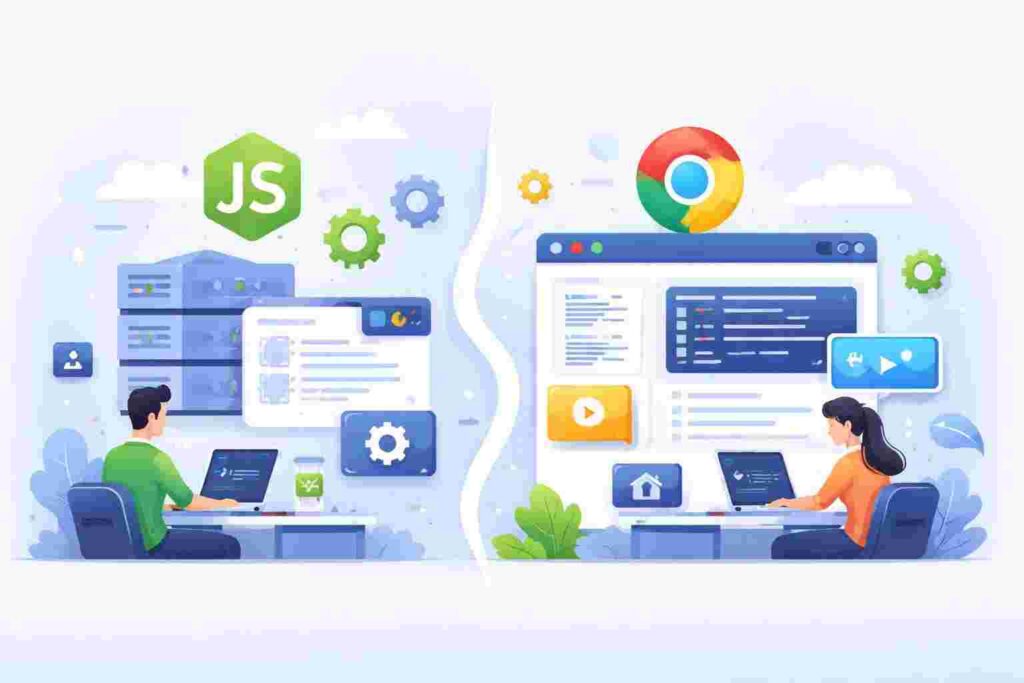
The V8 engine is an open-source JavaScript engine developed by Google, designed to execute JavaScript code outside of a web browser. It plays a crucial role in Node.js, enabling server-side JavaScript execution and thus facilitating dynamic web application development. Many developers may wonder why V8 is so popular. The reason largely rests on its speed and efficiency, owed to the way it compiles JavaScript to native machine code.
Table of Contents
Unlike traditional interpretation methods, which read and execute code line-by-line, V8 compiles the entire JavaScript code into machine code just-in-time (JIT). This rapid conversion allows for faster execution, making applications built on Node.js perform significantly better.
Why Use the V8 Engine?
Choosing V8 as your JavaScript execution engine offers numerous benefits, especially for developers building responsive web applications. One of the standout features is its ability to handle large volumes of concurrent connections, an advantage for real-time data applications like chat apps or multiplayer games. Thanks to its non-blocking architecture, it can manage multiple tasks efficiently.
Moreover, the V8 engine supports modern JavaScript features, such as async/await and modules, allowing developers to write cleaner, more maintainable code. These advancements help streamline complex app logic, enhance readability, and reduce development time.
OS and Architecture Support
The V8 engine is designed to work seamlessly across multiple operating systems, making it a versatile tool for developers everywhere. It runs on platforms like Windows, macOS, and various Linux distributions. Additionally, its underlying architecture is optimized for both 32-bit and 64-bit systems, ensuring that it can be used regardless of the hardware setup.
When setting up Node.js for your projects, understanding the specifics of how V8 interacts with your system can boost performance. For instance, tuning the garbage collection settings can result in quicker memory management, which is beneficial in applications that require constant data processing.
V8 Compilation Process
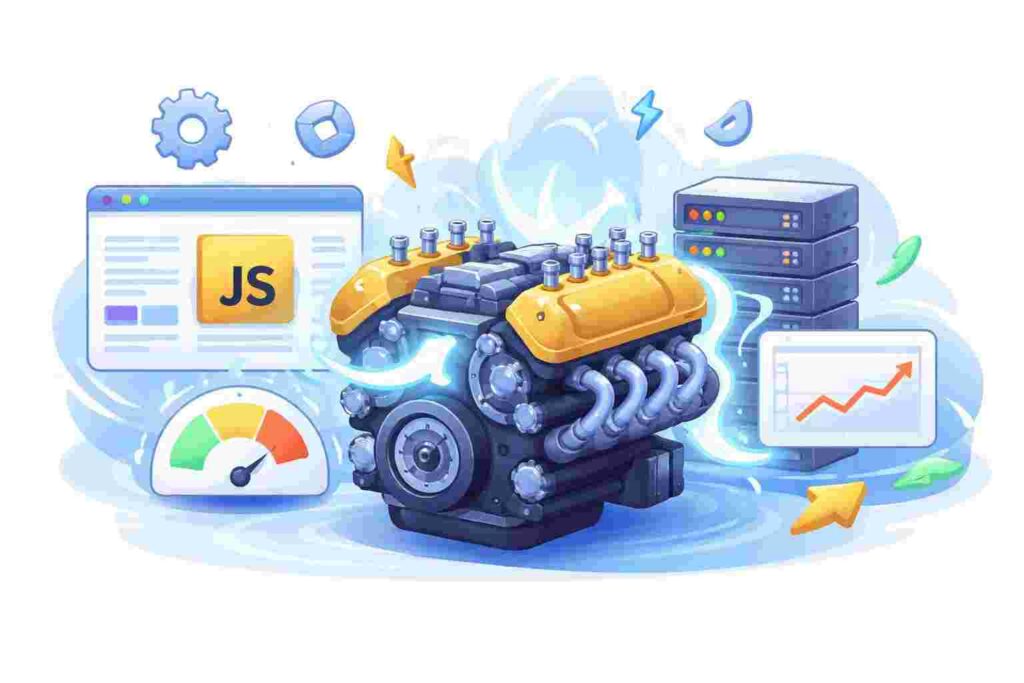
The compilation process in V8 consists of several stages, namely parsing, compiling, and executing. Initially, V8 parses the JavaScript code into an Abstract Syntax Tree (AST), representing the code’s structure. Next, the engine compiles the AST into bytecode and finally into native machine code, streamlining the execution process.
This process showcases V8’s efficiency. By creating an intermediate bytecode representation, it enables faster execution through caching frequently used functions. Such functionality keeps the application responsive under heavy loads, an essential feature for web services that strive for high availability and performance.
Understanding the Event Loop
The event loop is a fundamental mechanism in Node.js, allowing asynchronous programming. V8 orchestrates this loop, enabling non-blocking I/O operations. When your JavaScript code triggers asynchronous actions, the event loop handles them effortlessly while continuing to process other code segments.
A practical example of this concept is building an API that fetches user data from a database and responds back to the client. Once a request is received, instead of waiting for the database operation to complete, V8 continues executing other parts of the code. Once the database returns a response, the event loop takes care of handling this efficiently.
V8 in Node.js: A Real-World Scenario
Imagine developing a live chat application. Here, V8 processes numerous incoming messages continuously, ensuring real-time communication between users. Its JIT compilation allows for rapid message handling, which is crucial for maintaining a seamless user experience.
When implementing this, you’d utilize Node.js alongside V8 to manage socket connections. The speed and efficiency V8 delivers contribute significantly to the application’s performance under heavy user loads, creating a responsive and engaging chat environment.
Memory Management in V8
V8 employs automatic memory management through garbage collection, helping developers focus on writing code rather than worrying about memory leaks. The engine routinely identifies and recycles unused memory, which is vital for applications that handle large amounts of data, like data analytics platforms.
However, understanding how V8 manages memory can be beneficial. By utilizing tools such as the `–trace-gc` flag, developers can monitor garbage collection activities and optimize memory usage, resulting in improved application stability and performance.
Debugging in V8
Debugging JavaScript running on the V8 engine can be tricky without the right tools. Fortunately, Node.js offers built-in debugging capabilities that leverage V8’s features. Tools like Chrome DevTools enable you to pause execution, inspect variables, and step through code, making it easier to solve complex problems.
For example, if your application crashes due to an unhandled promise rejection, you can use DevTools to trace back to the code line causing the issue. This helps identify not just the immediate problem but also understand the flow of asynchronous actions leading to the failure.
Testing Applications with V8
When developing applications, unit testing is fundamental to ensure that your code performs as expected. Testing frameworks like Mocha and Jest can utilize the V8 engine effectively to execute JavaScript tests swiftly, making it easy to maintain and scale applications.
A testing scenario could involve creating a simple function that calculates a user’s age from their birth date and writing tests to ensure accuracy. With V8’s speed, these tests run efficiently, enabling developers to identify issues quickly during the development cycle.
Real-World Use Case: Creating a RESTful API
Let’s take a look at how the V8 engine powers a RESTful API service. In this case, you’ll set up an Express.js application that queries a database. When clients send requests, V8 compiles the route handling code quickly, ensuring responses are served promptly, even under high concurrency.
const express = require('express');
const app = express();
const port = 3000;

app.get('/api/users', async (req, res) => {
    const users = await getUsersFromDatabase(); // Assume this is a defined function
    res.json(users);
});

app.listen(port, () => {
    console.log(`Server running on port ${port}`);
});- Here, the API endpoint `/api/users` retrieves user data from the database. The callback function is asynchronous, allowing V8 to handle it without blocking the main thread. The `console.log` statement ensures that when the server is up, you’ll see confirmation in the terminal.
Best Practices for Optimizing V8 Performance
For developers looking to enhance their applications using the V8 engine, several best practices can lead to noticeable performance improvements. First, avoiding global variables helps prevent memory leaks and reduces lookup time within your code. Instead, local scope variables should be preferred as they help V8 optimize execution.
Additionally, using modern JavaScript features, such as `let` and `const`, assists V8 in optimizing memory allocation and garbage collection. As you write your code, being mindful of these practices ensures that the applications you build are robust and maintain their performance over time.
Frequently Asked Questions
- What makes V8 faster than other JavaScript engines?
V8 compiles JavaScript directly to native machine code, reducing execution time compared to traditional interpreted engines, which can slow down performance. - Can I use V8 without Node.js?
Yes, V8 can be used independently in environments like browser extensions, embedded applications, or even within other frameworks. - How often does V8 release updates?
Google regularly updates V8, often introducing performance enhancements and new JavaScript features. These updates are typically aligned with Chrome’s release schedule. - Is there a way to debug V8 code effectively?
Yes, the Chrome DevTools provide a powerful debugging interface for tracking JavaScript execution on the V8 engine. - Does V8 support TypeScript?
Yes, while V8 executes JavaScript, TypeScript can be used within Node.js projects, and the TypeScript code is compiled to JavaScript, which V8 can run.