Introduction to NodeJS Architecture
NodeJS architecture: Welcome to the world of NodeJS! If you’re just getting started, understanding the architecture of NodeJS is crucial. In this article, we’ll explore the main components that make up NodeJS architecture, how they work, and why they matter. By the end, you’ll have a solid foundation on how to leverage NodeJS for building applications.
Table of Contents
NodeJS architecture is event-driven and non-blocking, which makes it perfect for building real-time applications that handle a multitude of connections simultaneously. This NodeJS architecture provides developers the flexibility to create fast and scalable server-side applications using JavaScript. Let’s dive deeper!
What is NodeJS?
Before we dive into NodeJS architecture specifics, let’s define what NodeJS actually is. NodeJS is a JavaScript runtime built on Chrome’s V8 engine, allowing developers to run JavaScript on the server side. It is particularly known for its efficiency and scalability, making it a popular choice for web applications.
One of the critical features of NodeJS is its package ecosystem, npm (Node Package Manager), which provides access to thousands of libraries and frameworks that can be easily integrated into your NodeJS applications. This ecosystem empowers developers to rapidly build and deploy applications.
The Event-Driven Architecture
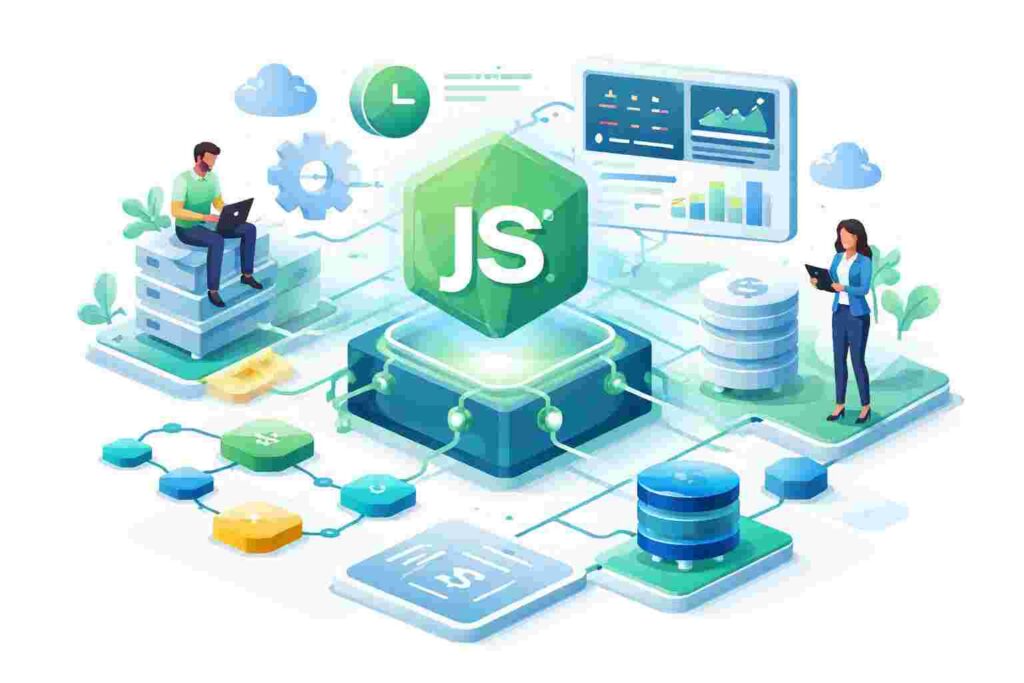
The cornerstone of NodeJS’s performance is its event-driven architecture. This type of architecture means that the server responds to events and actions asynchronously. Instead of waiting for tasks to complete before moving on to the next, the system continues to process incoming requests.
For example, consider a chat application. In a traditional request-response model, the server would need to wait for each message to be processed sequentially. With NodeJS, each message can be handled as an event, allowing for multiple messages to be processed at the same time. Let’s look at a simple example of an event-driven application.
const EventEmitter = require('events');

class Chat extends EventEmitter {
    sendMessage(message) {
        this.emit('message', message);
    }
}

const chat = new Chat();
chat.on('message', (msg) => {
    console.log(`New message: ${msg}`);
});

chat.sendMessage('Hello, world!');
Here, we create a simple Chat class that handles messages using the EventEmitter class. When a message is sent using sendMessage, it triggers the ‘message’ event. This demonstrates how NodeJS can handle multiple events concurrently, improving performance and responsiveness.
Non-Blocking I/O Operations
In a traditional blocking I/O model, operations such as reading files, querying databases, or waiting for network responses would halt the thread until the operation completes. In NodeJS, however, non-blocking I/O operations allow the thread to continue processing other tasks, improving efficiency.
Imagine building a file uploader service. If a file is being uploaded, a blocking model would prevent other uploads from being processed. In contrast, with NodeJS, subsequent uploads can start while the first upload is still in process. Let’s check out an example of non-blocking I/O.
const fs = require('fs');

console.log('Start uploading...');
fs.readFile('file.txt', 'utf8', (err, data) => {
    if (err) throw err;
    console.log(data);
});
console.log('Uploading...');
In this example, the file reading operation is started with fs.readFile, but while this awaits completion, other code can still execute, exemplifying the non-blocking nature of NodeJS.
NodeJS Single-Threaded Model
NodeJS operates on a single-threaded event loop NodeJS architecture. This means that there is a single main thread that executes JavaScript, while utilizing background threads for I/O operations. This model allows NodeJS to handle a large number of concurrent connections efficiently.
As a comparison, consider a multi-threaded web server, which can consume more memory and face complications due to thread management. In contrast, the single-threaded model of NodeJS is lightweight and allows for handling thousands of connections simultaneously.
Understanding the Call Stack and Event Loop
The call stack in NodeJS is where ongoing function calls are tracked. Whenever a function is invoked, it’s added to the stack; when it completes, it is removed. This mechanism ensures that functions are executed in the correct order.
Complementing the call stack is the event loop, a fundamental feature that allows NodeJS to perform non-blocking operations. The event loop continuously checks for events or messages in the event queue and processes them as needed. This ensures that even though NodeJS runs on a single thread, it can still handle asynchronous events efficiently.
Modules in NodeJS
NodeJS promotes modular development, meaning that your code can be divided into smaller, reusable pieces. Each piece can be included in projects based on specific functionalities, promoting code organization. This modular NodeJS architecture draws from the CommonJS module system, where files act as modules that can export and import functionalities.
Consider building a web API. You might have a separate module for handling user authentication, another for data retrieval, and yet another for logging. Each module serves a dedicated purpose, improving maintainability. Let’s see a practical example of creating a simple module.
// user.js
function login(username, password) {
    // Authentication logic here...
}

module.exports = { login };
// app.js
const user = require('./user');
user.login('Cathy', 'password123');In this example, we’ve defined a user authentication function in user.js and imported it into app.js. This showcases how handy modular code can be for structuring applications.
Middleware in NodeJS
Middleware functions serve as the backbone of many NodeJS web frameworks such as Express. These functions intercept requests and can modify the request object, response object, or complete the request-response cycle altogether. They are particularly useful for tasks like logging, authentication, or error handling.
Imagine implementing user authentication on a web application. Middleware can be utilized to check if a user is logged in before they can access certain routes. Here’s an example of a middleware function.
function auth(req, res, next) {
    if (req.isAuthenticated()) {
        return next();
    }
    res.redirect('/login');
}
app.use(auth);
This middleware checks if a user is authenticated; if so, it calls next() to continue to the next middleware or route handler. If not, it redirects the user to the login page.
Real-World Scenario: Building a RESTful API
Let’s consider a common real-world application: a RESTful API for a blog. Using NodeJS, you can handle various endpoints for creating, reading, updating, and deleting posts. With the previously discussed concepts like middleware and modular design, it’s easy to structure your application efficiently.
Your folder structure might look like this:
- project/
- index.js
- routes/
- posts.js
- controllers/
- postController.js
Here’s a quick look at the implementation inside index.js:
const express = require('express');
const postRoutes = require('./routes/posts');

const app = express();
app.use(express.json());
app.use('/api/posts', postRoutes);

app.listen(3000, () => {
    console.log('Server is running on port 3000');
});
Performance Optimization
While NodeJS offers excellent performance out of the box, there are several techniques you can use to optimize your NodeJS applications further. These optimizations include clustering, caching, and utilizing worker threads for heavier tasks.
For instance, you could use the cluster module to create multiple worker processes. This allows your application to take advantage of multi-core systems and improve performance. Here’s a basic example of how to set up clustering:
const cluster = require('cluster');
const http = require('http');
const numCPUs = require('os').cpus().length;

if (cluster.isMaster) {
    for (let i = 0; i < numCPUs; i++) {
        cluster.fork();
    }
} else {
    http.createServer((req, res) => {
        res.writeHead(200);
        res.end('Hello NodeJS!');
    }).listen(8000);
}
This snippet demonstrates using the cluster module to fork multiple worker processes based on the number of CPU cores available, allowing enhanced performance by distributing load across multiple threads.
Best Practices in NodeJS Architecture
When designing applications with NodeJS, observing best practices is vital. Keeping your code modular, using environment variables for sensitive information, and ensuring error handling are essential practices. Additionally, regular updates and employing security best practices will contribute to a robust application.
Proper logging is also critical. Implement monitoring and logging solutions to track application performance and errors. This proactive approach will help you maintain a healthy application in production.
Conclusion
As you journey further into the NodeJS ecosystem, understanding its architecture will bolster your skills in building efficient and scalable applications. Remember, the event-driven nature, non-blocking I/O, and the single-threaded model are just a few components that empower NodeJS to excel in real-time environments. By applying best practices, leveraging modular design, and optimizing performance, you can create powerful applications. So, roll up your sleeves and start coding!
Frequently Asked Questions
1. What is the difference between NodeJS and traditional web servers?
NodeJS uses an event-driven, non-blocking I/O model, making it more efficient for handling multiple connections compared to traditional blocking I/O web servers.
2. Can I use NodeJS for building a frontend application?
NodeJS is mainly used for server-side development, but it can also work with frontend frameworks like React or Angular to build full-stack applications.
3. How do I handle errors in NodeJS applications?
Use try-catch blocks for synchronous code and implement error-handling middleware for asynchronous operations. Always ensure to log errors for analysis.
4. What are some common use cases for NodeJS?
NodeJS is commonly used for building web applications, APIs, real-time applications like chat and gaming apps, and tools for microservices NodeJS architecture.
5. How can I improve performance in my NodeJS application?
Consider using clustering, caching strategies, load balancing, and optimizing I/O-bound operations to enhance performance in your NodeJS applications.