Introduction to NodeJS
History of NodeJS: NodeJS is a powerful and popular JavaScript runtime built on Chrome’s V8 engine. History of NodeJS dates back to 2009, as a solution to the limitations faced by server-side JavaScript. Initially developed by Ryan Dahl, the platform aimed to enable asynchronous programming and enhance performance through event-driven architecture. In this article, we will explore the pivotal moments in the history of NodeJS, detailing its evolution, features, and how it became a staple in modern web development.
Table of Contents
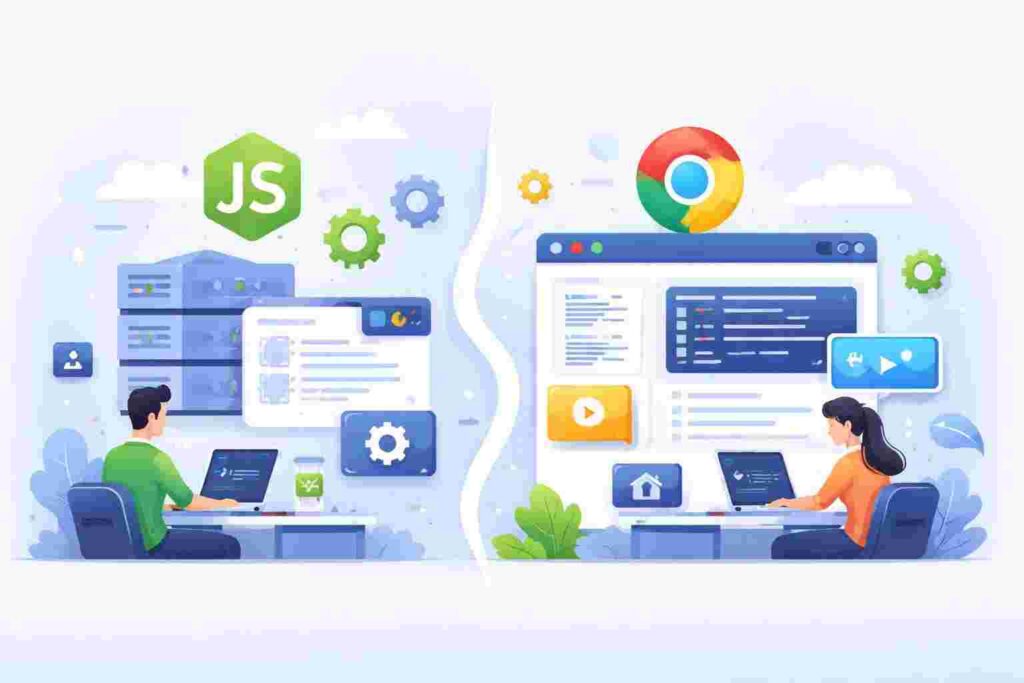
Understanding NodeJS means recognizing its unique position in the development ecosystem. Traditionally, JavaScript was confined to client-side scripting, but with NodeJS, developers can now run JavaScript on the server side as well. This shift allowed for the creation of full-stack applications using a singular language, thereby streamlining development processes and reducing the complexity associated with using different languages.
The Birth of NodeJS
History of NodeJS: The inception of NodeJS can be traced back to a specific need in the web development world: handling asynchronous operations more effectively. Ryan Dahl, the creator of NodeJS, presented his new project at the first JSConf in 2009, highlighting its potential. Initially, NodeJS was designed for non-blocking I/O operations, allowing developers to build scalable applications that could handle numerous connections simultaneously.
By utilizing the V8 JavaScript engine, Dahl was able to transform JavaScript into a powerful server-side language. This innovation opened new doors for developers, as it soon became evident that JavaScript’s speed and flexibility could be harnessed on the server as well as the client side. Soon after its introduction, NodeJS gained attention from developers eager to leverage its benefits.
Key Features of NodeJS
NodeJS is renowned for its unique features that contribute to its popularity among developers. Some of these primary features include:
- Event-driven architecture: NodeJS operates on a non-blocking I/O model, making it efficient for handling multiple requests simultaneously.
- NPM (Node Package Manager): A vast repository of libraries and tools that simplifies the process of managing modules and packages in NodeJS applications.
- Single-threaded model: Although NodeJS operates on a single thread, it utilizes an event loop to handle many connections concurrently, making it lightweight and scalable.
These features have positioned NodeJS as an excellent choice for building network applications, APIs, and real-time applications like chat systems and collaborative editing tools, impacting web development significantly.
Evolution Over the Years
History of NodeJS: Since its release, NodeJS has gone through several updates and iterations, each bringing new functionalities and improvements. Major updates include support for ES modules, Promises, async/await, and much more. The introduction of these features has significantly improved error handling and streamlined the coding process.
Moreover, the community surrounding NodeJS has grown tremendously, leading to numerous contributions, updates, and a rich ecosystem of libraries and frameworks such as Express.js, Koa.js, and more. It’s essential to understand that NodeJS’s evolution is closely tied to the needs of developers finding more efficient methods for application development.
Real-World Applications of NodeJS
History of NodeJS: NodeJS has proven itself invaluable in various practical applications. Major companies such as Netflix, LinkedIn, and Walmart rely on this framework due to its performance inefficiencies for handling real-time data. For instance, LinkedIn successfully transitioned from Ruby on Rails to NodeJS, achieving significant scalability in their mobile application.
Another real-world scenario involves the development of real-time chat applications. NodeJS’s event-driven model allows for seamless communication between users, making it ideal for real-time applications. Companies utilize NodeJS for live chats, notifications, and even gaming applications due to this capability.
Understanding NPM
Node Package Manager, or NPM, is an essential component of NodeJS development. It offers access to a vast repository of libraries and tools, enabling developers to easily add functionalities to their applications. The NPM registry hosts millions of packages that can be installed and managed through simple command-line instructions.
The use of NPM fosters a community-driven approach, as developers can share their code while also taking advantage of existing solutions. It’s critical for any beginner to get acquainted with NPM, as it forms the backbone of NodeJS project dependencies.
Setting Up NPM
npm init -y
This command initializes a new NodeJS project by creating a package.json file, which manages project dependencies and metadata. The -y flag auto-fills default values, expediting the setup. Each dependency will be listed under dependencies in the package.json file.
NodeJS Folder Structure
A typical NodeJS project has a specific folder structure that helps in maintaining organization and clarity. Below is an example:
my-node-app/
├── node_modules/
├── src/
│   ├── index.js
│   ├── routes.js
├── package.json
└── README.md
The node_modules folder contains all installed packages, while the src folder holds the app’s source code. The package.json file defines dependencies and scripts, and the README.md provides documentation.
JavaScript in the Server-side Domain
The transition of JavaScript from the browser to the server was revolutionary and has fundamentally changed web development. Before NodeJS, server-side scripting typically relied on languages like PHP, Python, or Ruby. However, NodeJS paved the way for using JavaScript throughout an entire application stack.
With JavaScript’s capabilities in asynchronous programming, developers can create faster, more efficient applications. Moreover, the use of a single programming language across both front-end and back-end significantly reduces the knowledge barrier for developers, leading to increased productivity.
NodeJS and Microservices Architecture
NodeJS fits perfectly with microservices architecture. Its non-blocking nature makes it suitable for handling numerous microservices, each responsible for a specific functionality within a larger application. In microservices, scaling becomes simpler, as each service can be developed, deployed, and scaled independently.
The lightweight characteristics of NodeJS, combined with its capability to handle concurrent connections, make it a favored choice for developing microservices. This architecture enhances development speed, promotes code reusability, and ensures rapid deployment.
Security in NodeJS
While NodeJS offers significant advantages, security is crucial. Developers must be vigilant against vulnerabilities that may arise in their applications. Common security concerns involve package vulnerabilities, improper error handling, and inadequate authentication methods.
Regularly updating packages, using secure coding practices, and implementing proper authentication measures can mitigate security risks. Understanding security in NodeJS is essential for anyone attempting to build applications in this environment.
Testing NodeJS Applications
Testing is an essential part of the software development lifecycle. With NodeJS, developers typically utilize tools such as Mocha, Chai, or Jest to write and execute unit tests, integration tests, and end-to-end tests. Testing ensures that applications work as intended and helps identify and address bugs early in the development process.
For a simple unit test using Mocha, you can install the framework with NPM and then create a test file, for instance:
npm install --save-dev mocha
Then, in your test file:
const assert = require('assert');

describe('Math Tests', () => {
    it('should return 3 for 1 + 2', () => {
        assert.strictEqual(1 + 2, 3);
    });
});
This simple test ensures that the sum of 1 and 2 equals 3. It demonstrates how easy it is to establish unit tests in a NodeJS environment, contributing to the overall quality of the application.
Common Challenges Faced with NodeJS
Despite its advantages, developers often encounter challenges while working with NodeJS. Some issues include callback hell, where nested callbacks lead to code that is difficult to read and maintain. Additionally, the asynchronous nature of NodeJS sometimes makes it challenging to debug applications.
To overcome these challenges, developers can utilize modern JavaScript features like Promises and async/await to streamline asynchronous code execution. Proper structuring of the application to minimize nesting can also significantly enhance code readability.
Future of NodeJS
The future of NodeJS appears bright, with an active community continuously working on improvements and updates. As web development trends evolve, NodeJS’s ability to adapt will be crucial. Its usefulness in serverless architectures and edge computing will likely pave the way for expanded use in various applications.
Furthermore, as JavaScript remains a staple in the development ecosystem, the demand for NodeJS is anticipated to grow. The innovations continue to deliver performance enhancements and maintain relevance in a dynamic tech landscape.
FAQ
What is NodeJS?
NodeJS is a JavaScript runtime built on Chrome’s V8 engine, allowing developers to run JavaScript on the server side.
What is the History of NodeJS?
History of NodeJS: NodeJS was created by Ryan Dahl in 2009, aimed at enabling scalable network applications.
What are the main features of NodeJS?
Key features include non-blocking I/O, an event-driven architecture, and access to a vast ecosystem via NPM.
What types of applications can be built with NodeJS?
NodeJS is ideal for building APIs, real-time applications, and microservices, among others.
How is security handled in NodeJS?
Developers should employ secure coding practices, update dependencies regularly, and implement authentication measures to protect their applications.